Image to Video
Transform still images into PDP-ready videos
Scale Video With Ease
For most brands and retailers, creating video at the volume today’s PDPs demand simply isn’t realistic. AI Image to Video changes that.
By transforming existing still images into motion, you can create high-quality video content without reshoots, extended timelines, or increased budgets. It’s the fastest way to scale video by using assets you already have.
Bring Any Product to Life
Pixelz Image to Video starts with collaboration. We work with you from the start to define clear specifications from motion style, product focus to brand guidelines, so every video aligns with your standards. From there, we manage the full production workflow:
- Running AI generation with your specifications
- Human aesthetic review to ensure realism and consistency
- Refining or regenerating when needed
- Applying professional post-production polish
You stay in control of creative direction, while we handle the complexity and deliver website-ready videos for final review and download.
AI Meets Expertise
There are so many AI tools that generate video. But self-serve AI tools will only get you so far. Without workflow integration, post-production, or brand oversight quality is inconsistent and AI generation because even more work. Pixelz combines AI-generation with human aesthetic review and professional post-production to ensure every video meets your brand standards. It’s not just AI, it’s a team of experts.
Image to Video FAQ

Learn Even More…
Watch our recorded webinar with Product Manager, Juncal Gonzalez, to learn about everything that goes into generating videos from product stills. She details the workflow and what types of inputs are needed for generating videos.
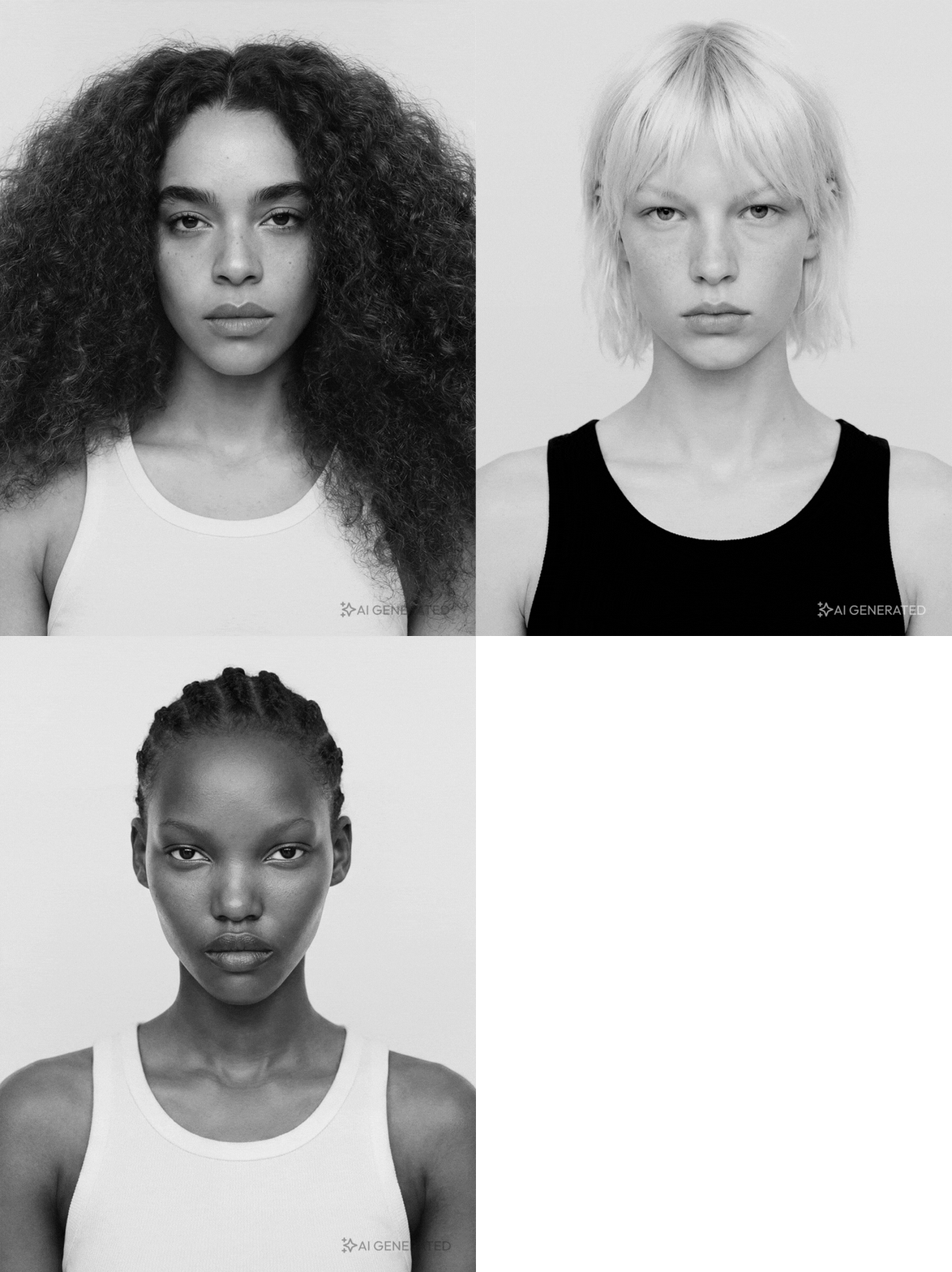
AI Models
Virtual Models can effectively help you scale content creation, allowing you to introduce on-model assets to your website alongside standard product shots.
AI Backgrounds
Easily replace backgrounds or generate brand-aligned environments using AI tools integrated into the workflow.