
The idea sounds relatively simple: take an existing product image and generate a realistic person wearing it.
Generating an image isn't that difficult anymore. Generating one you'd actually put on your site that makes a customer want to purchase? That's where it gets a bit more difficult.
The product still needs to be accurate. The garment needs to fit naturally. Lighting, anatomy, texture, and color all need to make sense. And then you need to be able to do it again and again across several different categories and products.
That's the problem we set out to solve with AI Models. Not just how to generate a convincing AI-generated fashion model, but how to turn that generation into a structured, repeatable e-commerce workflow.
First, What Are Synthetic Fashion Models?
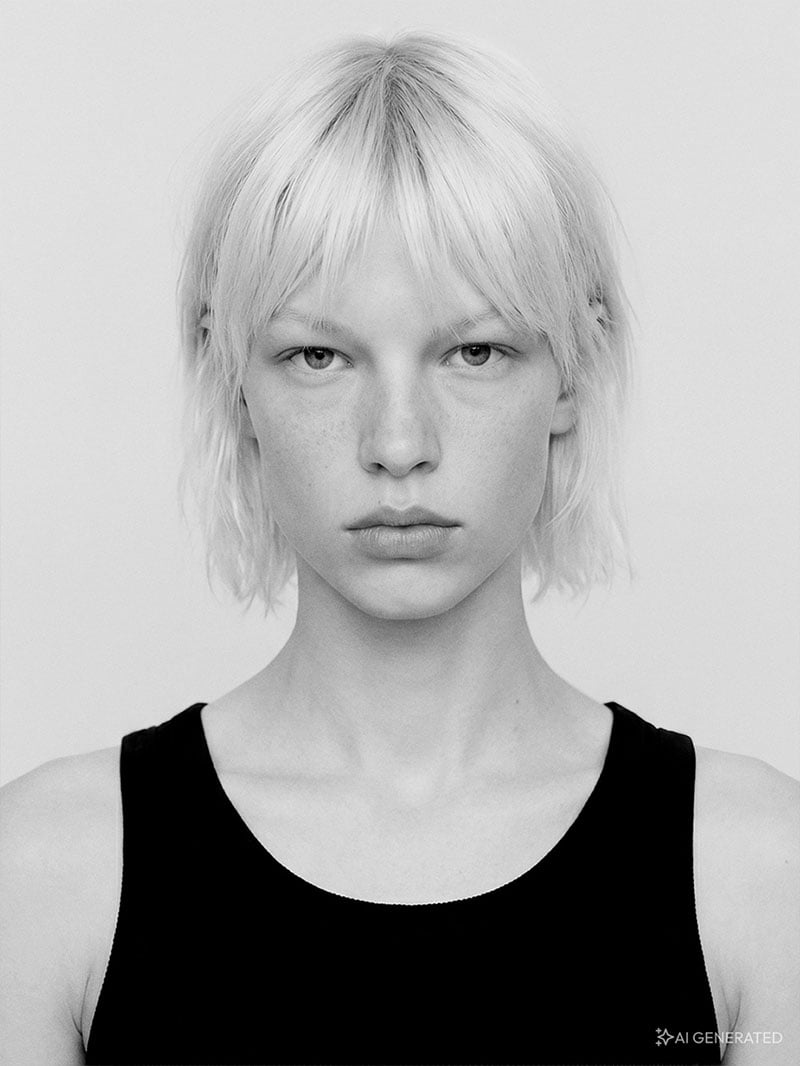
Synthetic fashion models are fully AI-generated people used to showcase real products.
Unlike Digital Twins, they aren't based on the likeness of a real model or person. The person is completely synthetic, while the product itself comes from real product photography.
Where Can Brands Use AI Models?
There are a few different ways brands can bring AI Models into their existing content workflows.
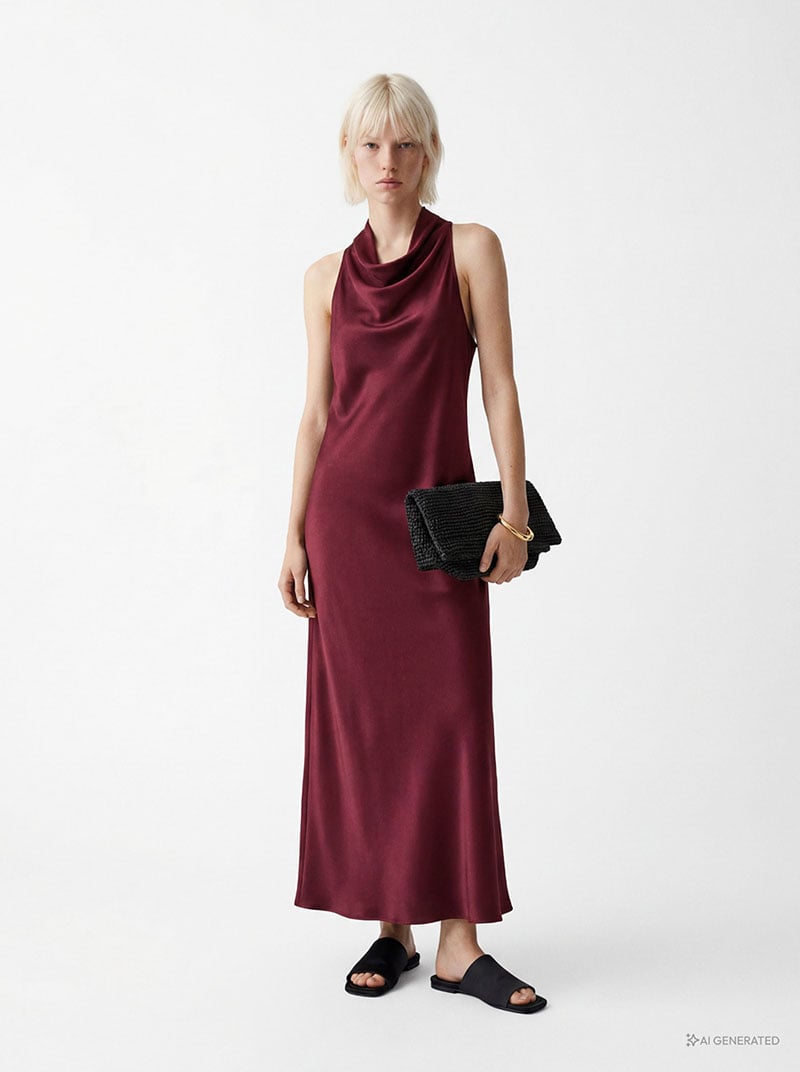
Adding on-model imagery is probably the most obvious one. You don't have the on-model assets? Generate them.
Brands with existing flat lays, ghost mannequin images, or pack shots can turn those assets into on-model imagery. With as few as 3–5 product images, Pixelz can generate a synthetic model wearing the product, adding a better sense of fit, scale, and proportion without another traditional photoshoot.
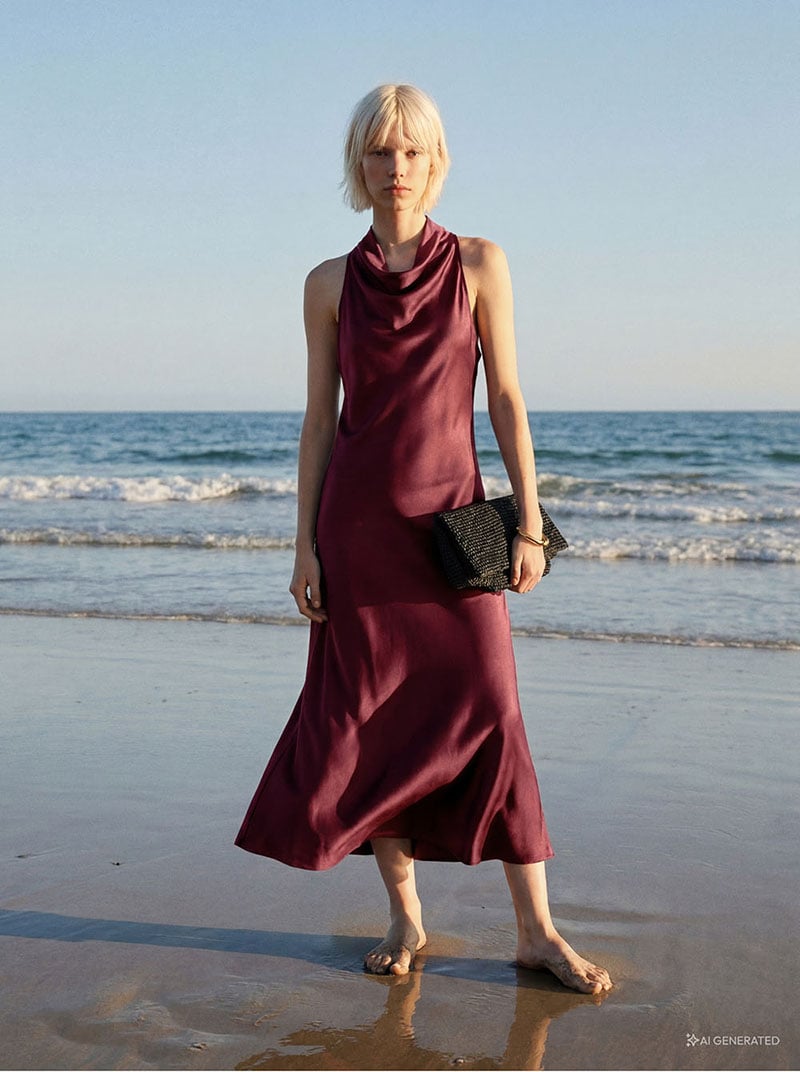
And going above and beyond the white background opens up another possibility. Different environments, poses, lighting, and styling can create more lifestyle-oriented imagery and give brands more ways to present the same product.
Or maybe you want to see how different models work across different markets, demographics, or even styling trends. Instead of reshooting every variation, AI Models give you more room to test different casting and creative directions and see what works where.
And then there's Model Swap. Existing on-model photography can become the starting point for a new creative direction, different market, changing usage rights, or simply more variations of an existing asset.
And we know there are probably plenty of other use cases for AI Models still waiting to be explored. These are just some of the most common ones and that tend to be top of mind for brands right now.
So, How Does Pixelz Actually Create an AI Model?
There's a misconception that generative AI removes everything that traditionally happens around an image: preparation, creative direction, quality control, retouching.
In our workflow, those steps haven't disappeared. The generation part has just become another stage in that process.
Start With Real Product Imagery
Typically, we start with clean ghost mannequin or flat-lay photography (or for model swap, another on-model image).
These images become the visual source material the AI works from, which means the quality of the input still matters. Shape, texture, construction, and especially color need to be represented accurately before generation even begins.
Strong AI imagery starts with strong input images.
Retouch Before You Generate
Yes, before the AI gets involved. The original product image first moves through Pixelz's standard post-production workflow, including our S.A.W.™ (Specialist Assisted Workflow) workflow.
Depending on the asset, that can include file prep, garment shaping, symmetry corrections, cleanup, retouching, and color matching.
Much of this process already combines automation, AI post-production, and our expert retouchers.
In a traditional workflow, that retouched product image might be the final PDP asset. Here, it becomes the foundation for the next stage.
And it makes sense when you think about it: the better the product image going in, the better foundation the AI has to work from.
Define What You're Actually Trying to Create
Before generating anything, we need to answer a surprisingly important question: What should this image actually look like?
That means defining the creative and technical parameters that guide generation. Depending on the project, that can include:
- Model Choice
- Pose and stance
- Styling and layering
- Studio or environmental setting
- Lighting direction
- Overall aesthetic
Brands can approach this in different ways.
Some co-create a tailored synthetic model and visual direction with Pixelz based on their brand guidelines. Others select from a curated lookbook of existing AI Models to get started more quickly.
Once a direction works, it can be turned into a reusable template internally with us at Pixelz. Templates can exist, allowing the same creative decisions to be applied consistently across products.
Generation
Generation isn't the finish line for us. Every output goes through a dedicated Aesthetic Review, a quality-control stage we introduced specifically for generative AI workflows.
We're looking at questions like:
- Does the garment fit naturally?
- Is the product itself accurate?
- Do the proportions make sense?
- Are the model's anatomy and pose believable?
- Does the lighting match the environment?
- Are shadows behaving realistically?
- Has the AI introduced any strange artifacts or hallucinations?
- Does the image actually match the intended brand aesthetic?
Sometimes the answer is all of the above. Sometimes the image needs another generation. There's little value in spending significant retouching time trying to rescue an AI output that should just be regenerated.
Once an image passes Aesthetic Review, then it moves into final post-production.
Yes, AI Imagery Still Needs Post-Production
A good generation isn't necessarily a finished image.
The selected AI Model asset goes through professional post-production much like imagery coming out of a traditional post-production.
That can mean refining the garment, correcting its shape, checking product color, cleaning up skin or hair, fixing small inconsistencies, and making sure the final image works alongside the rest of the brand's product imagery.
This final stage is particularly important because AI can create an image that looks convincing at first glance while still getting small — and sometimes important — details wrong.
Want to go deeper? Check out why AI-generated imagery still needs post-production.
And remember we're not just aiming for a "good AI image." It should look like it belongs with everything else on the PDP and the rest of the brand!
Who Are AI Models Best For?
AI Models can work across a number of different scenarios, but we see a particularly strong opportunity for brands that currently have little or no on-model imagery.
That might mean brands that:
- Primarily rely on ghost mannequin, flat-lay, or pack-shot photography
- Want to add more context and product storytelling to their PDPs
- Haven't scaled traditional on-model photography because of resources
- Need to create on-model imagery across large volumes
- Want to test different models, styling trends, or creative directions across markets
For these brands, synthetic models can offer a more structured entry point into on-model imagery — and if you have any other use cases that come to mind, let us know. We're always looking for new brands to work with and create stunning AI-generated images.