
The Use Cases:
We’ll be taking a look at creating on-model imagery from packshot images, model swap by replacing a model in an existing on-model image, and digital twins - real models that have an AI twin. What all of these solutions have in common is that they’re scalable, impressive, and built to meet the speed and volume demands of modern e-commerce.
| Model Creation | Model Swap | Digital Twins | |
|---|---|---|---|
| Popular Uses | No existing model imagery, large number of SKUs | Localization, vendor images, expired model rights | Adding lifestyle and elevated content to PDP, social media assets, marketing assets |
| Benefits | Cost-effective, Scales fast, Builds context around styling and fit customers | Scalable personalization, localization, Brand consistency in model choices | Long-term consistency, brand storytelling, model exclusivity |
| Assets Required | Product only packshots - ghost mannequin or flat lay | On-model images | Product images, creative brief |
AI Models
If your current PDP doesn't include model imagery, say you're only shooting flat lays or ghost mannequin images, AI-generated fashion models (Virtual Models) open the door to enhancing your PDP. Yes, it’s a new cost, but the upside is offering context for your customers that could reduce returns and increase conversions by up to 20% by adding on-model imagery.
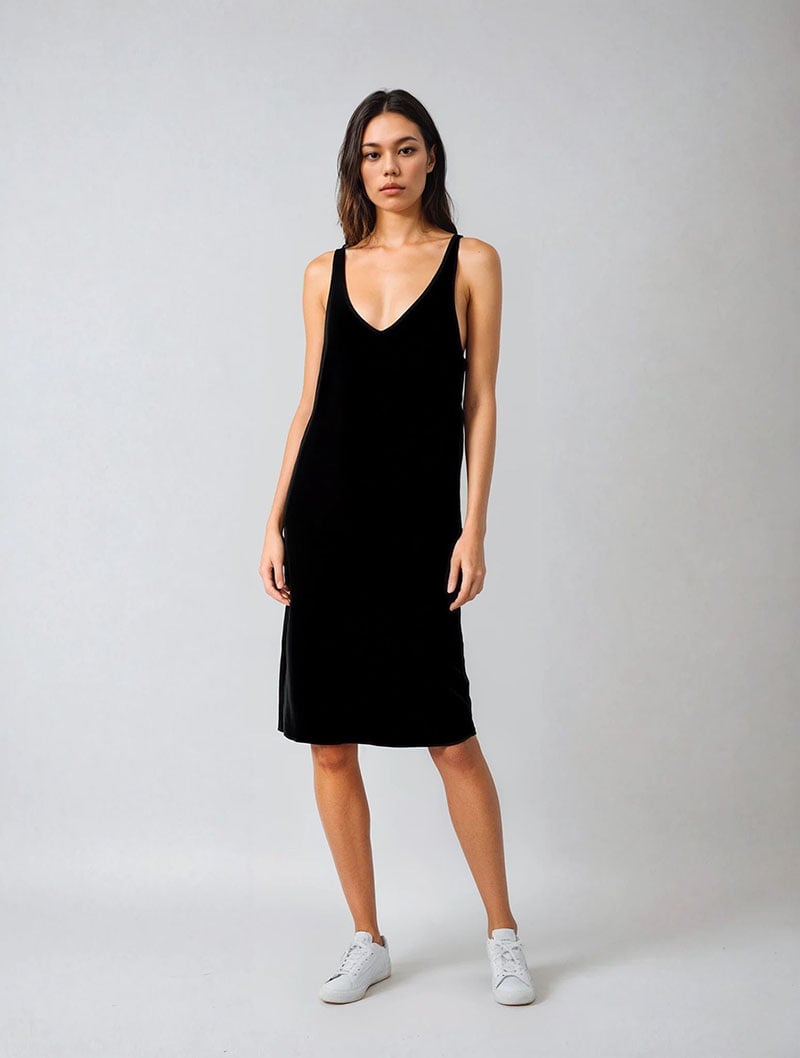
On-model imagery brings the product to life and helps shoppers visualize fit and scale. With AI models, you can create that impact without needing to coordinate full-scale model shoots, making it faster, more affordable, and even scalable too.
| Assets Needed at Pixelz | 1–5 flat lay images or ghost mannequin images per SKU |
|---|---|
| Outcome | Get high-quality model images for every colorway without needing a shoot. |
Adaptable Content with Model Swap
The beauty of model swap is the ability to adapt content for different audiences, channels, or campaign needs, without the cost or complexity of additional photoshoots.
With traditional production, you're often limited to one model per shoot, meaning the same look is used across all platforms: product pages, social media, email, and ads. But with AI, you can take a single model image and generate multiple versions to better resonate with various customer segments or regional markets. You get more flexibility, more relevance, and a stronger visual connection with your customers.
| Assets Needed at Pixelz | 1–5 model images per SKU |
|---|---|
| Outcome | Create personalization and visual variety with zero reshoots. |
Digital Twins
Digital Twins are hyper-realistic, AI-generated versions of real models, created with full consent. Instead of starting from an anonymous face, brands work with a specific model whose digital likeness is carefully generated to reflect their appearance. From there, product images and a creative brief are used to generate high-quality visuals that align with your brand’s look and feel, without the need for a physical shoot.
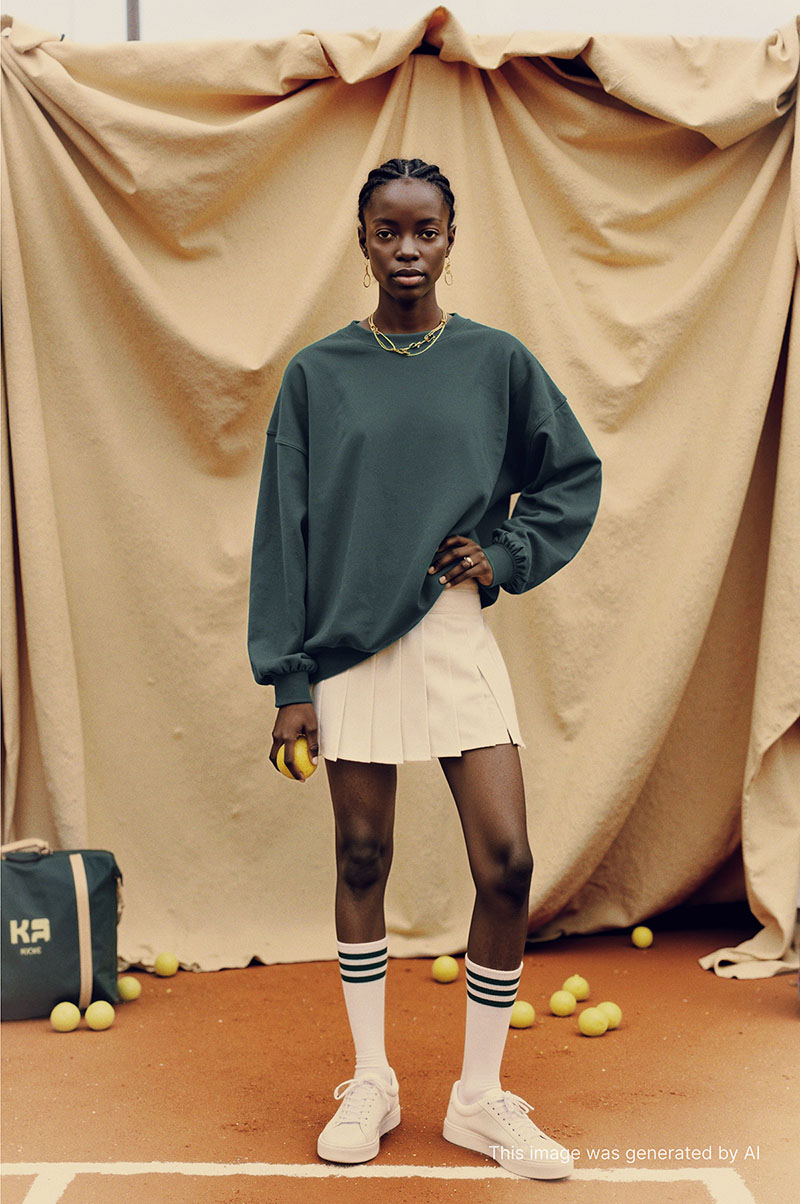

This opens up entirely new possibilities for content creation. Digital Twins can be used to produce studio-quality lifestyle imagery, styled product shots, or even campaign-level assets, all from a small set of inputs. The result is elevated, on-model content that can be created and adapted.
What makes Digital Twins different isn’t just the output, it’s also the process behind them. They’re created in partnership with agencies and the models themselves, with clear consent, compensation, and usage guidelines in place so models maintain control over how their digital likeness is used.
Digital Twins are extending what’s possible, giving brands a scalable, responsible way to produce high-quality on-model content, whenever they need it.
| Assets Needed at Pixelz | 5 garment images per SKU, including front and back views, side angles, and relevant detail shots |
|---|---|
| Outcome | Create personalization and visual variety with zero reshoots. |
After exploring the different approaches and real-world use cases, we hope this gives you a rundown of how AI-generated model imagery is being used across the industry today and where it can realistically fit into an e-commerce production workflow.
If you’re considering introducing AI models into your content strategy, the key isn’t jumping on the newest tool; it’s understanding which approach makes sense for your brand, your assets, and your long-term goals. Whether that’s expanding into on-model imagery, adapting existing content, or building toward Digital Twins, the right setup makes all the difference.
At Pixelz, we’ve been working with AI in our production workflow for years, so this isn’t new territory for us. Because we already handle image production end-to-end, there’s no need to send work elsewhere or manage multiple workflows. We combine Generative AI with professional retouching in one place, so what you get are final images, ready to use.
If you’re curious about what this could look like for your workflow, reach out. We’d love to talk.